Welcome back
BADRI
A welcome that remembers.
Add the names that make home yours. Five-letter names change with a gentle letter animation.
A calmer place to start watching. AURORA brings your apps, your people, and your favorite moments together in one personal home screen.
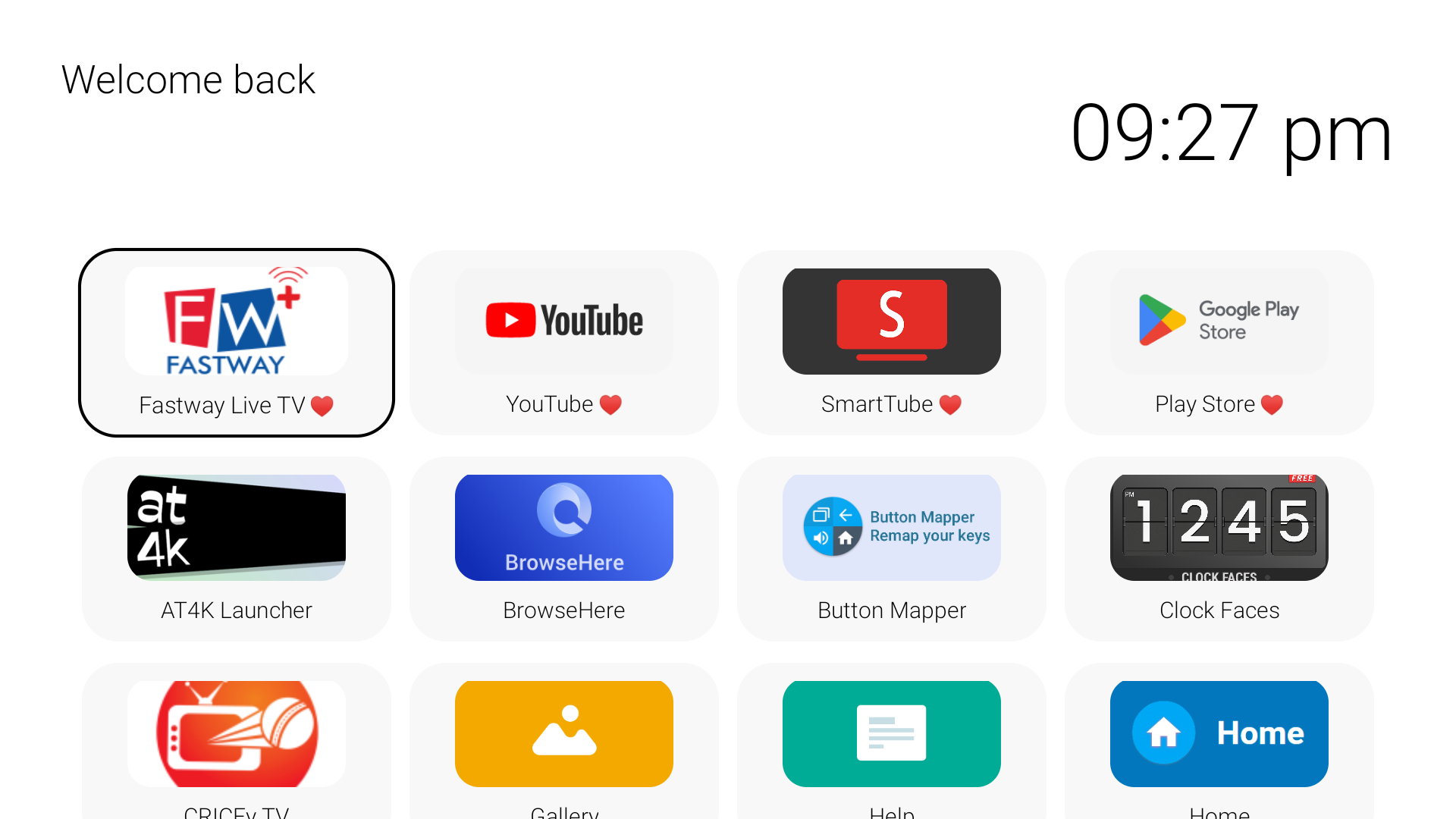
Your TV should feel familiar the moment it turns on. AURORA makes the welcome personal, then lets everything else fall naturally into place.
Add the names that make home yours. Five-letter names change with a gentle letter animation.
A generous clock and a clean layout give you the essentials at a glance.
Pin up to five favorites. Switch between grid and list views, and choose how many apps fit each row.
Go bright, go dark, or enjoy the glass inspired look. AURORA stays simple however you choose to view it.
Screenshots show earlier builds of AURORA. The installed interface and available controls may differ.
Grid or list, with rounded app icons, five pinned favorites, and a clean divide between favorites and everything else.
Open useful TV controls from the launcher, including settings, picture, sound, Wi‑Fi, and a sleep timer. Some controls depend on the TV model.
Choose an optional startup app. On a real TV boot, AURORA can show a countdown with a Cancel button before opening it.
Cycle through light, dark, and glass themes. Smooth transitions bring each return to the home screen to life.
Download the install-ready AURORA APK and put a more personal home screen on your Android TV.
Download AURORA APKFor Android TV devices. Not for Samsung Tizen or LG webOS. Startup automation and TV controls can vary by device; AURORA is an independent launcher and is not affiliated with Apple.